Make a small digital zine with a free creative stack
Move from a loose theme to a readable miniature publication using original illustrations, considered type and a simple layout.
A short digital publication with a clear sequence and a checked PDF export.
A zine gives a small idea room to have a personality. The useful constraint is a manageable page count and one subject, rather than a large collection of unrelated visuals. This workflow focuses on a digital edition. A print version needs separate production specifications from the printer.
Free boundaries before you start
Source checks for this workflow. These notes clarify older catalogue summaries; they do not change your saved toolkit.
Photopea · checked 2026-10-13
Core local browser editor remains free and ad-supported; PSD and common image formats supported. Premium removes advertising. No numeric AI-credit or cloud-storage quota was confirmed in this check. No open-source licence was established; fonts and imported assets retain their own rights.
Account requirement not confirmed in this source check.
A small example to aim for
Saturday.
Collect three small observations. Give each one a place on the page.
A four-page print experimentFreeStack example output · illustrative, not a provider screenshot or a tested export.
Jump to a step
Plan the sequence before the artwork
Write a one-sentence theme and sketch a thumbnail for each page. Give the opening a reason to continue and the ending a deliberate stopping point. Decide where text needs space and where an image can carry the page. Keep the page count modest enough to finish and revise.
Choose one visual language
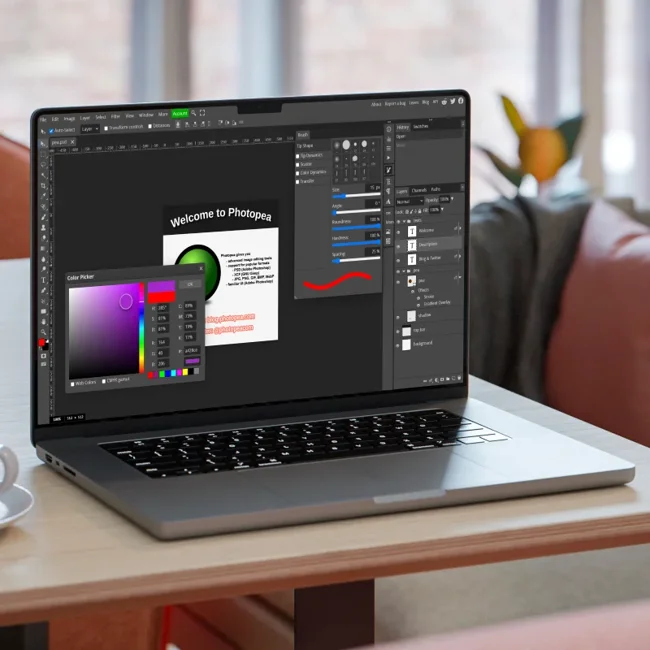
Use Krita if drawing or painting is the main ingredient. Photopea is an option for layered image compositions. Create a small set of repeatable colours, textures or shapes, and keep the original working files. If you use found material, record its source and check that your intended reuse is permitted.
Make the type do less
Explore an open-source family from The League of Moveable Type and read its licence. Set a headline, a caption and a paragraph with real text. Pick consistent roles for each style. Expressive typography can add character, but a reader should still know where to start and what belongs together.
Assemble a restrained layout
A layout tool such as Canva can help assemble the pages using its free features and assets. Check for paid elements before you get attached to a template. Establish margins and use a limited number of page patterns. A quieter spread between two busy ones can make the whole sequence more readable.
Read the exported file
Export a sample early, then check the full PDF once the pages are assembled. Look for clipped text, missing characters, unexpected image quality and awkward page breaks. Ask another person to explain what they think the zine is about. For print, confirm size, bleed, colour and page-order requirements with the printer before preparing a separate file.
Your workflow, connected.
Follow the steps and carry the output into the next stage. These are suggested handoffs, not automatic integrations.
Provider information
Check current plans and documentation before committing to a workflow.
View 3 provider links
A couple of useful questions
Can I make it entirely from free assets?
Possibly, but original writing and artwork give it a clearer identity. Check every third-party asset’s terms and include attribution when required.
Should I start with a template?
A template can provide structure. Replace anything that does not support the theme, and verify that the elements and exports you need are in the free plan.
What would you try?
Share your result or ask a specific question about this workflow.
Join the conversationKeep building
 Photopea
Cut out a product photo without adding another subscription
A manual Photopea workflow for a clean transparent PNG, with an edge check before you publish.
PhotopeaBuild a small brand kit without a software subscription
A practical colour, typography and mockup workflow for a first brand direction, with licensing decisions made early.